The New Mom Phone Setup: Numbers, Notes & Sanity
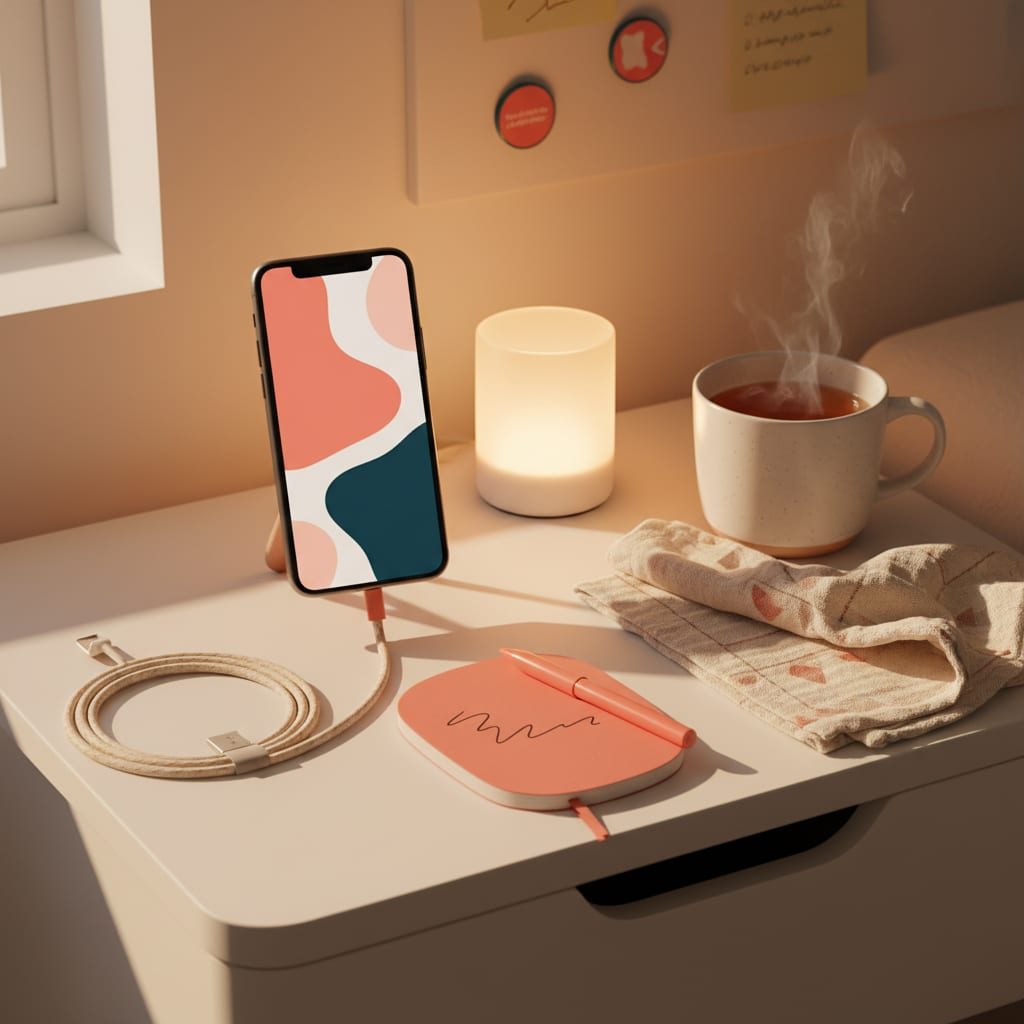
Setting up your phone for new-mom life takes about thirty minutes and covers four jobs: the numbers you’ll need at 2am saved and favorited, a set of shared notes your partner can see, do-not-disturb configured so the phone protects your sleep instead of raiding it, and a home screen that hands you the right thing one-handed in the dark. The club treats this as a real checklist item — same tier as the pediatrician choice — because the phone is the tool you’ll use most in year one, and by default it’s configured for your old life. Here’s the full setup.
The 2am contact list
Save these now, spelled so a sleep-deprived search finds them, and star the top ones as favorites (that matters in a minute):
- Pediatrician + the after-hours nurse line. Two separate entries — the nurse line is the one you’ll actually call at 2am, and hunting for it inside a voicemail tree while holding a crying baby is a club rite of passage nobody should repeat.
- Pharmacy. Yours, plus the nearest 24-hour one. The night you need the second entry, you really need it.
- Your own doctor. Your recovery gets a contact card too.
- Poison control and your local nurse-advice line. Never needed is the goal; saved is the plan.
- The inner circle. The two or three people who can come now, favorited.
Club refinement: prefix them all with something sortable — “Baby: Pediatrician,” “Baby: Nurse Line” — so the whole kit surfaces from one search.
The shared notes (the club’s real secret)
The phone’s biggest first-year job isn’t calls — it’s being the household’s shared brain. Set up these notes or lists in whatever app you and your partner both actually open, shared with edit access:
- The grocery-and-supplies list. Anything either of you notices running low goes in, either of you buys it. Ends the “we’re out of WHAT?” genre of argument entirely.
- The help list. Pre-written concrete jobs for the moment someone says “let me know if you need anything.” The club’s whole system for this is in the help list — the phone note is where it lives.
- The questions-for-the-pediatrician note. Things occur to you at 3am; appointments happen at 10am. The note is the bridge, and it makes checkups twice as useful.
- The backup-childcare tree. Names in calling order for the day care falls through — built once, per our backup childcare plan, then just there.
- The baby-admin album. Photos of the insurance card, the vaccine record, the fridge sheet. A phone album named “Baby Admin” answers most official questions from anywhere.
While you’re in there: turn on photo sharing with your partner, and set up a shared calendar for checkups. Every appointment on one person’s calendar is one person’s invisible job.
Do-not-disturb, configured like you mean it
This is the sanity section. Default notification settings will happily wake you from the first real nap you’ve had in a week.
- Set up a “nap mode.” Do-not-disturb with favorites allowed through — that’s why the inner circle got starred. Anyone who genuinely needs you can reach you; the group chat’s 47 reactions cannot.
- Schedule the overnight version. Same idea, nightly, automatic. If you’re up feeding, you’ll see the phone anyway; if you’re asleep, nothing on it outranks that.
- Mute liberally, leave never. Every chat you mute is a small kindness to yourself. The club chat itself expects to be muted; the good ones all do.
- Turn off badges for anything that isn’t a person. News, shopping, games. Each red dot is a tiny to-do your tired brain will dutifully register.
The one-handed home screen
Final pass — arrange for the reality that you’ll operate this phone one-handed, in the dark, at 4am:
- Bottom row only. The four or five things you actually use mid-feed, within thumb reach: camera, the shared list, the notes app, whatever plays your white noise or podcasts.
- One planning app, not five. If you use an app to run the baby’s day, pick one and put it here. A lot of the club landed on Betteroo, which builds the nap-and-bedtime plan for you and adapts it as the baby grows — one icon doing the thinking beats five apps doing the tracking.
- Everything else, one screen back. The point isn’t minimalism; it’s that the 4am version of you never has to search.
Once it’s done, the setup quietly powers everything else — including the ten-second phone glance before you walk out the door in the leaving-the-house checklist.
Heard in the club: “My phone used to work for my old boss. Now it works for me. The nurse line is one tap and the group chat can’t wake the baby. Best thirty minutes I spent on leave.”
FAQ: the new mom phone setup
What numbers should a new mom have saved?
Pediatrician and the after-hours nurse line as separate entries, your pharmacy plus a 24-hour one, your own doctor, poison control, and your two or three come-right-now people — favorited, so they ring through do-not-disturb. Prefix them all with “Baby:” so one search surfaces the kit.
What should new parents put in shared notes?
The club’s five: a groceries-and-supplies list, the pre-written help list, a questions-for-the-pediatrician note, the backup-childcare phone tree, and a photo album of the admin documents. Shared with edit access, in an app you’ll both genuinely open.
How should I set up do-not-disturb with a newborn?
Two modes: a manual “nap mode” and an automatic overnight schedule, both allowing calls from your starred favorites. Real people who genuinely need you get through; everything else waits. Then mute every group chat without guilt — the good ones expect it.
Do I need baby apps on my phone?
Fewer than the app store thinks. The club’s pattern: one shared-notes system, one planning app if you want the day’s schedule thought through for you (a comparison of the best baby tracker apps helps you pick), and ruthless deletion of trackers that turn into homework. The phone should reduce your mental load, never add to it.